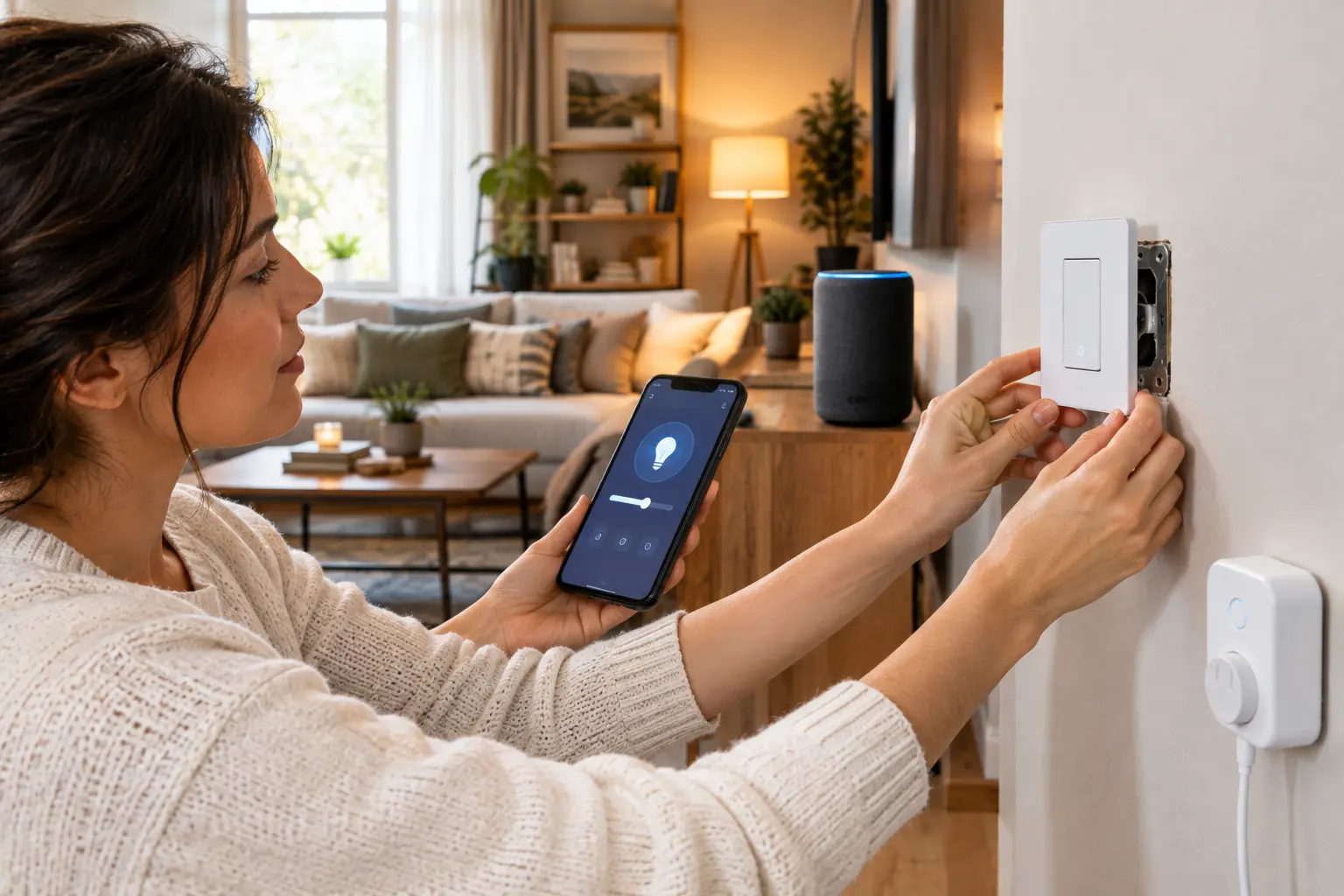
Design a smart home in this order: check whether your switch boxes have a neutral wire, decide switches or bulbs, choose one ecosystem, then pick devices. The protocol guides all start with Matter and Thread — but the decision that actually determines whether your household uses the system is whether the wall switch still works, and that is an electrical question, not a software one.
Electrical work should be done by a licensed electrician where required by local code. Check before starting.
How to design a smart home: switches or bulbs comes first
This determines whether your household adopts the system or works around it, and almost every smart home guide buries it under protocol explanations.
Smart bulbs are cheap, need no wiring, and install in minutes. They also stop working the moment somebody flips the wall switch off, because the bulb loses power. Every household has someone who flips switches out of habit, and that person will break your smart home daily without knowing it.
Smart switches replace the wall switch itself. The wall control keeps working normally for everyone, and the automation sits behind it. This is the configuration that survives contact with a household.
The rule: smart switches for any room where a wall switch already controls the light. Smart bulbs for lamps, color-changing accents, and fixtures with no wall switch at all.
Bulbs win on cost and on color. Switches win on everything else, and the difference shows up in month three rather than week one.
Check for a neutral wire before you buy anything
This is the retrofit blocker, and it is the reason many smart switch purchases get returned.
Most smart switches need constant power to run their radio, which means they need a neutral wire in the switch box. Older homes frequently do not have one — the switch box contains only the hot and switched-hot conductors, because a mechanical switch never needed anything else.
How to check: turn off the breaker, remove the switch plate, and look for a bundle of white wires capped together at the back of the box. That bundle is the neutral. If there is no white bundle, you either need no-neutral-compatible switches, a smart relay behind the fixture, or an electrician to run one.
Do this survey across the whole house before deciding your approach. Finding out room by room, one purchase at a time, is how projects stall.
How to design a smart home network: Matter, Thread and Wi-Fi
Three terms get used as though they are interchangeable. They are not, and understanding the difference prevents most buying mistakes.
Matter is the language. It is an application-layer standard from the Connectivity Standards Alliance, letting devices from different brands talk to each other and to your controller. Apple, Google, Amazon, Samsung, IKEA and Philips Hue all support it.
Thread is one of the roads that language travels on. It is a low-power IPv6 mesh network. A Matter device might use Thread, Wi-Fi or Ethernet — Matter certification does not tell you which.
A Thread border router bridges the two. Thread devices form their own mesh, and the border router connects that mesh to your Wi-Fi or Ethernet network. Many smart speakers, displays, streaming boxes, routers and hubs now include one.
The practical rule: choose Thread if you plan more than about ten devices. For a handful of plugs and a camera, Wi-Fi is fine. Wi-Fi Matter devices load your existing network, use more power and provide no mesh. Most real homes end up with a mix of both.
Thread gets stronger as you add to it. Every mains-powered Thread device acts as a relay for the mesh, so a network of twenty devices is more reliable than a network of five. Battery-powered devices do not relay, which is why a house full of sensors and no mains-powered Thread devices performs badly.
Do not trust the logo on the box. Look for the explicit Matter version, whether the device uses Thread, and whether any hub you buy includes a border router. A Matter label alone does not guarantee the device works without the right controller, firmware and network path.
Choose one ecosystem, and know you can add another later
Matter is ecosystem-independent, but you still need a platform as the central place to control devices and build automations.
| Ecosystem | Best for | Trade-off |
|---|---|---|
| Apple Home | Households already on iPhone | Smaller device range, fewer advanced automations |
| Google Home | Households with Google speakers | Automation logic is simpler than rivals |
| SmartThings | Mixing new Matter gear with legacy Zigbee and Z-Wave | More setup than the Apple or Google route |
| Home Assistant | Conditional logic, local control, maximum flexibility | Runs on your own hardware; needs technical comfort |
| Homey Pro | The widest protocol coverage in one box | Highest hardware cost |
There is no wrong answer here, and the decision is less permanent than it looks. Matter’s multi-admin capability means you can add a second ecosystem later without reconfiguring your devices — so pick whichever matches the phones and speakers already in the house, and revisit it when you know what you actually need.
Where things physically go
Mesh coverage is a floor plan problem, and this is where a home site can help more than a tech site can.
Place the border router centrally, not in a corner or a basement rack. Thread range behaves like any low-power radio: walls, appliances and distance all cost you.
Distribute mains-powered Thread devices through the house rather than clustering them. Smart plugs and switches on different floors and at opposite ends do more for mesh reliability than any single expensive hub.
In larger homes, plan the mesh deliberately. Underestimating Thread network planning in a big house is a documented failure mode — the mesh depends on relays being spread out, not on the hub being powerful.
Sensors go where the event happens, not where it is convenient to mount them. A motion sensor covering a hallway from the wrong end triggers late, and a late trigger is worse than no automation at all.
New build versus retrofit
The two paths are different enough to be worth separating.
New build or major renovation. Run neutral wires to every switch box as standard, run Ethernet to fixed device locations — hubs, cameras, displays — and put in extra conduit. Doing this during construction costs very little; doing it afterwards means opening walls.
Retrofit. Survey your neutral wires first, start with one room, and prove the automations work before expanding. Devices now start at low single-digit prices, and IKEA alone has launched more than twenty affordable Matter-over-Thread products, so the cost of starting small is not what it was.
If saving energy is part of the brief, evaluate the building as well as the controls. Our green home improvement guide covers insulation, sealing and other upgrades; our DIY project guide explains why concealed electrical work belongs with licensed professionals.
The test your design has to pass
Two questions decide whether a smart home is a success or an expensive irritation.
Can everyone in the household operate it without the app? Wall switches, physical buttons and voice all need to work. A system that requires a phone is a system that produces arguments.
What happens when the internet goes down? Automations that run locally keep working. Cloud-dependent ones do not. Thread and Matter both support local control, and platforms differ in how much they depend on the cloud — worth checking before you commit, particularly for locks and heating.
The order to work in
- Survey neutral wires in every switch box before buying anything
- Decide switches or bulbs, room by room — switches wherever a wall switch already exists
- Choose one ecosystem based on the phones and speakers already in the house
- Buy a hub with a Thread border router built in, and place it centrally
- Update phone, apps, hub and Wi-Fi router before adding the Matter controller
- Start with one room and prove the automations before scaling
- Add mains-powered Thread devices across the house to strengthen the mesh
- Test the household questions — wall control, and behaviour with the internet down
Steps 1 and 2 are the ones people skip, and they are the two that decide whether the finished system gets used or bypassed. Everything else in how to design a smart home is easier once the wiring and the wall controls are settled.
See our guide to designing a home renovation if you are wiring during construction, and our home office design guide for the desk-level lighting and power decisions.
FAQ
Do I need a neutral wire for smart switches?
Most smart switches need one, because the switch requires constant power to run its radio. Older homes often lack a neutral in the switch box. Turn off the breaker, remove the plate and look for a bundle of capped white wires. If there is none, you need no-neutral-compatible switches, a relay behind the fixture, or an electrician.
What is the difference between Matter and Thread?
Matter is the application-layer standard that lets devices from different brands talk to each other. Thread is a low-power mesh network that Matter can run over. A Matter device may use Thread, Wi-Fi or Ethernet, so Matter certification alone does not tell you how a device connects.
Do I need a Thread border router?
Only if you use Thread devices. The border router bridges the Thread mesh to your Wi-Fi or Ethernet network, and many smart speakers, displays, streaming boxes, routers and hubs now include one. Check explicitly rather than assuming, since not every hub has one.
Should I choose Thread or Wi-Fi devices?
Thread if you plan more than about ten devices, because it uses less power, forms a self-healing mesh and keeps load off your Wi-Fi. Wi-Fi is fine for a handful of plugs or a camera. Most homes end up with a mix of both.
Are smart bulbs or smart switches better?
Smart switches for anything already controlled by a wall switch, because the wall control keeps working for everyone in the household. Smart bulbs for lamps, color-changing accents and fixtures with no wall switch. Bulbs fail whenever someone turns the switch off out of habit.
Can I change smart home ecosystems later?
Yes. Matter supports multi-admin, meaning you can add a second ecosystem without reconfiguring your devices. That makes the initial platform choice far less permanent than it appears, so pick the one matching the phones and speakers already in the house.